AI Christmas Photo Generator for the Picture You Already Have
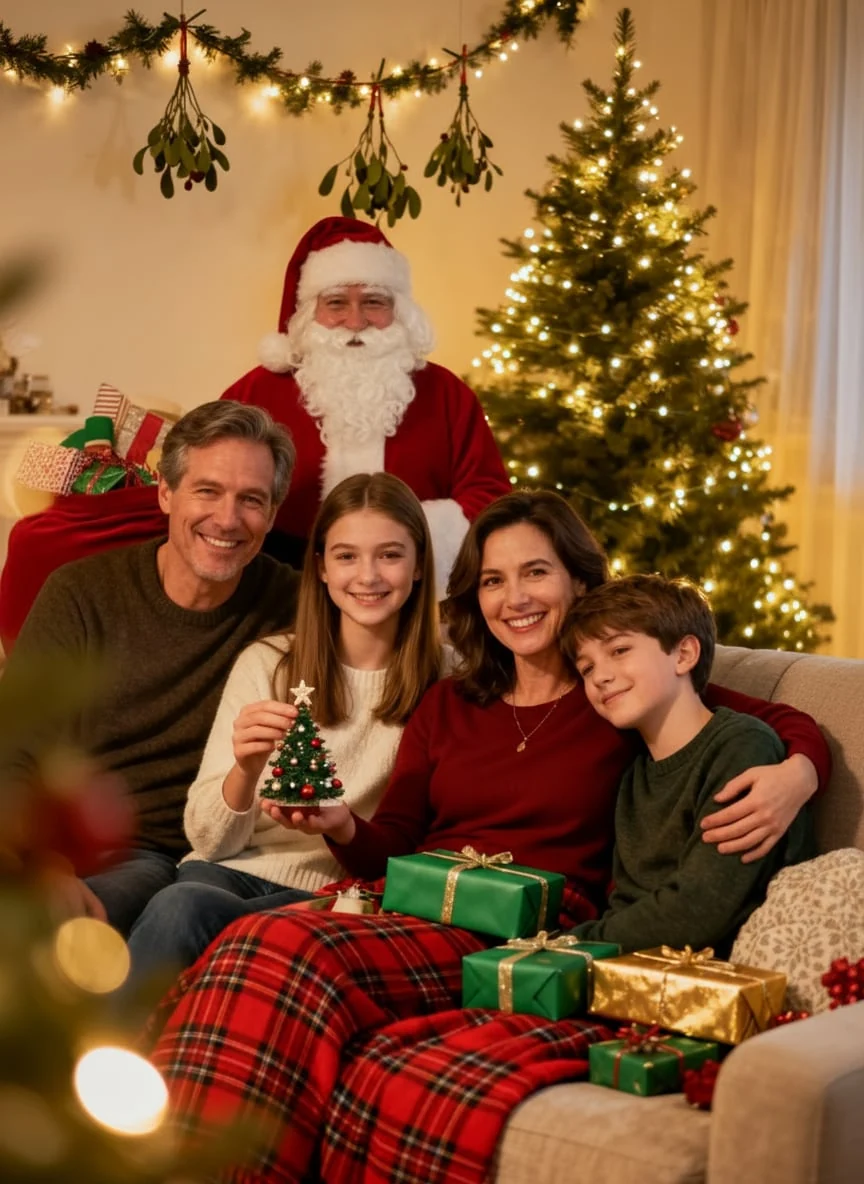
Upload one picture and get an AI Christmas photo in 2K with no watermark, set by the tree, on a snowy porch, or in a scene you describe. Results are built to keep the people in your photo, and you pay once for credits that never expire.
Examples
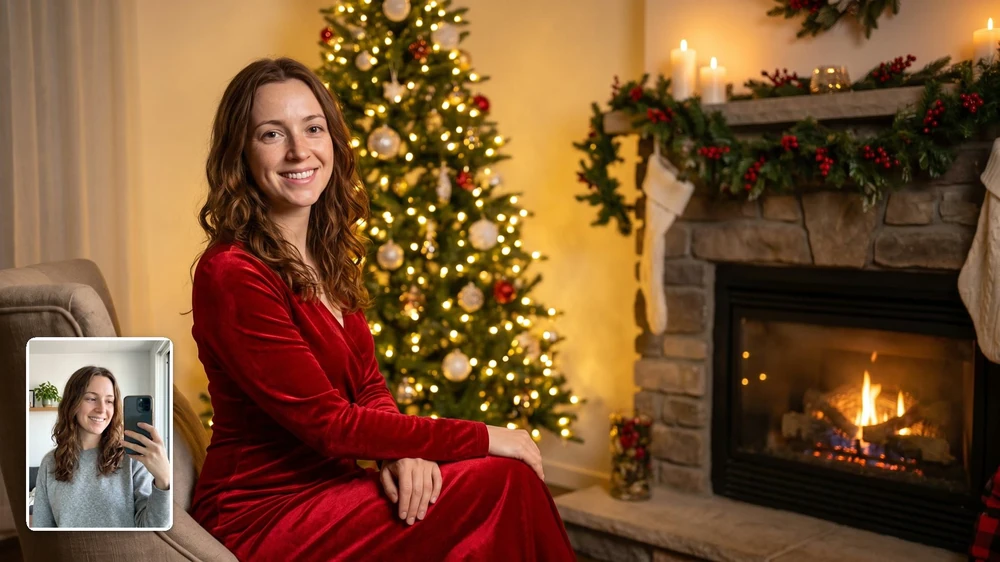
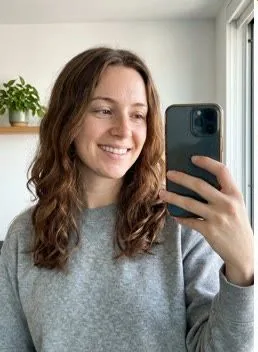
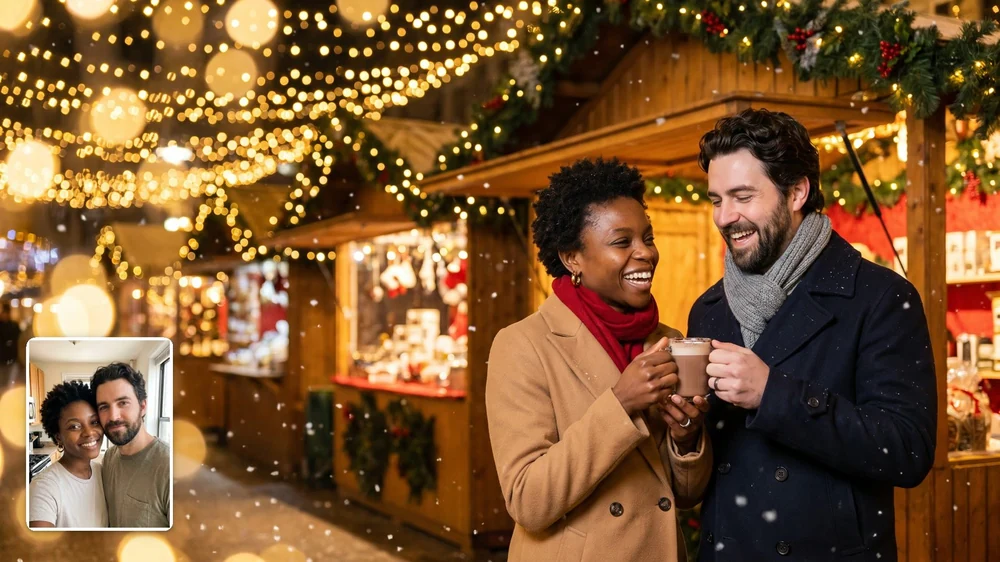
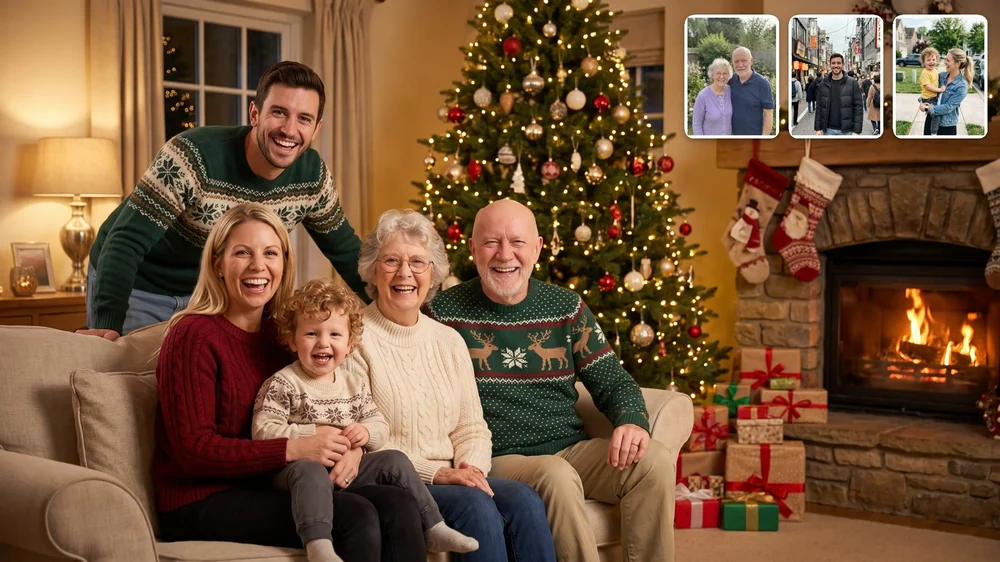
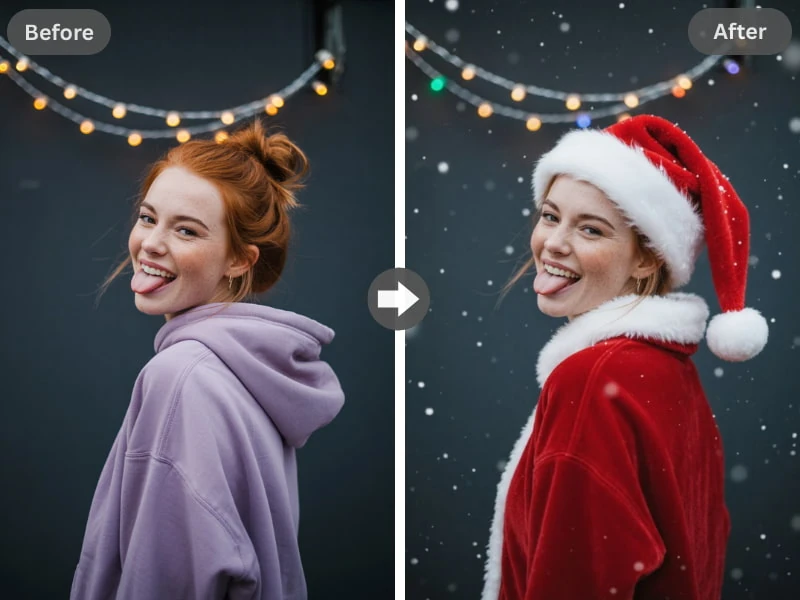
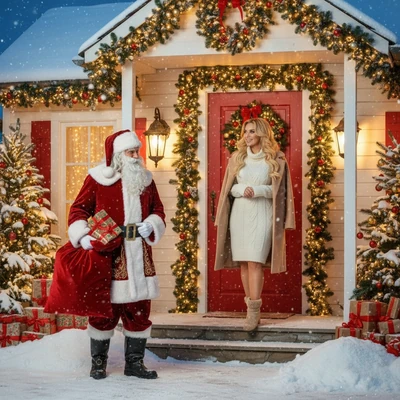
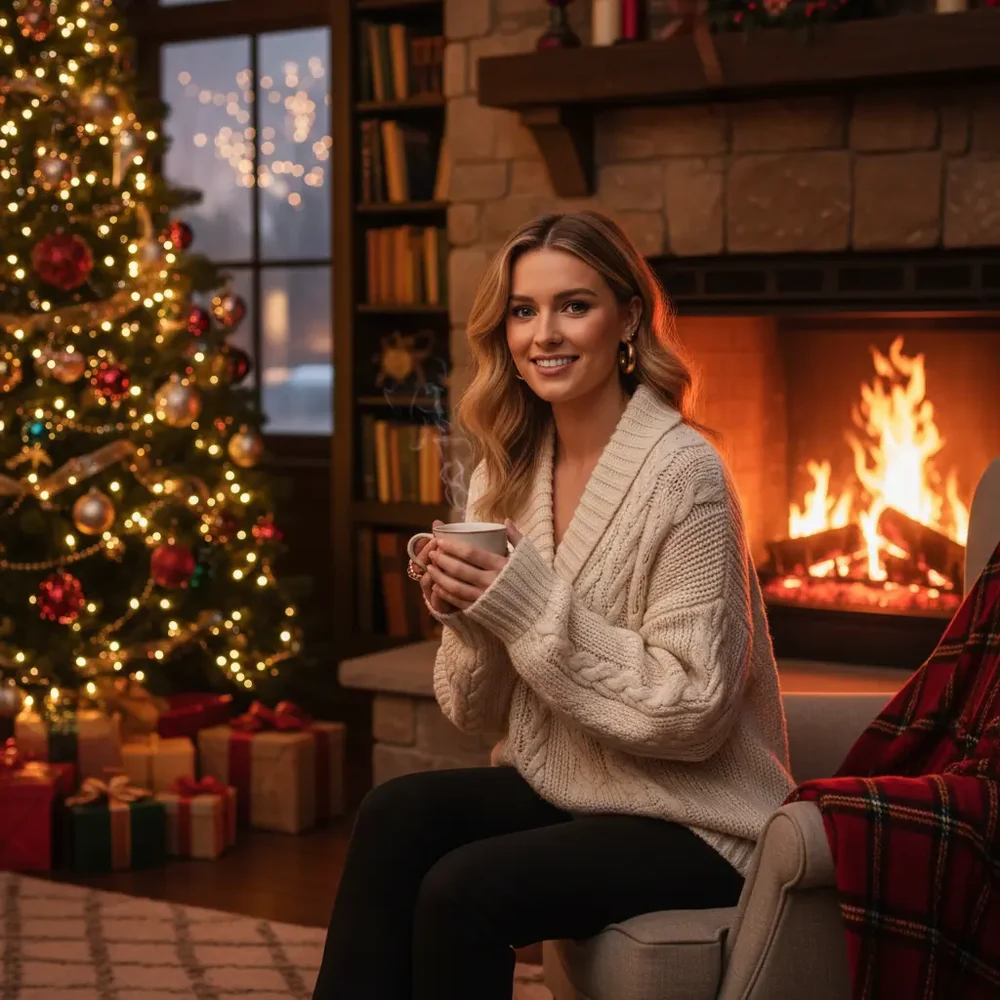
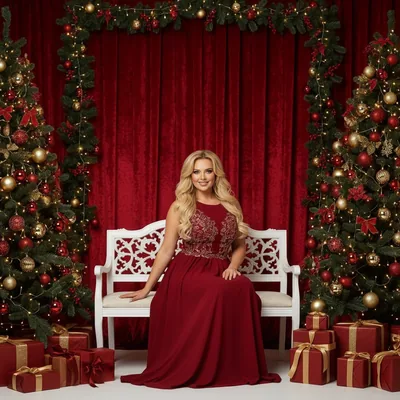
The small selfie in the corner became this Christmas portrait.
Use one clear photo up to 10 MB with every face showing; drag it in or scan the code to send it from your phone.
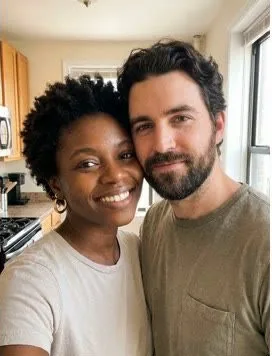
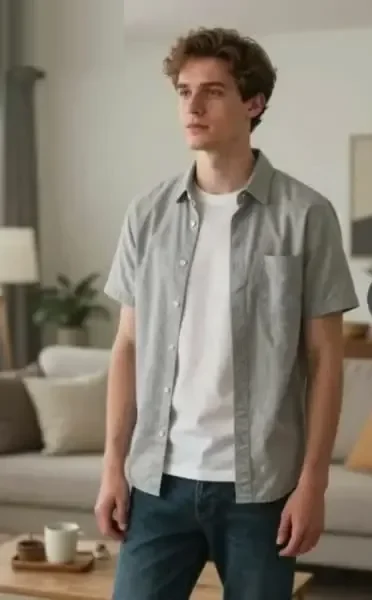
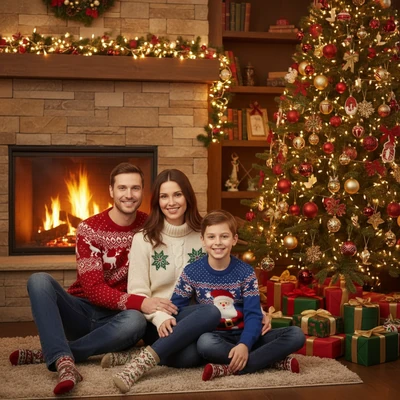
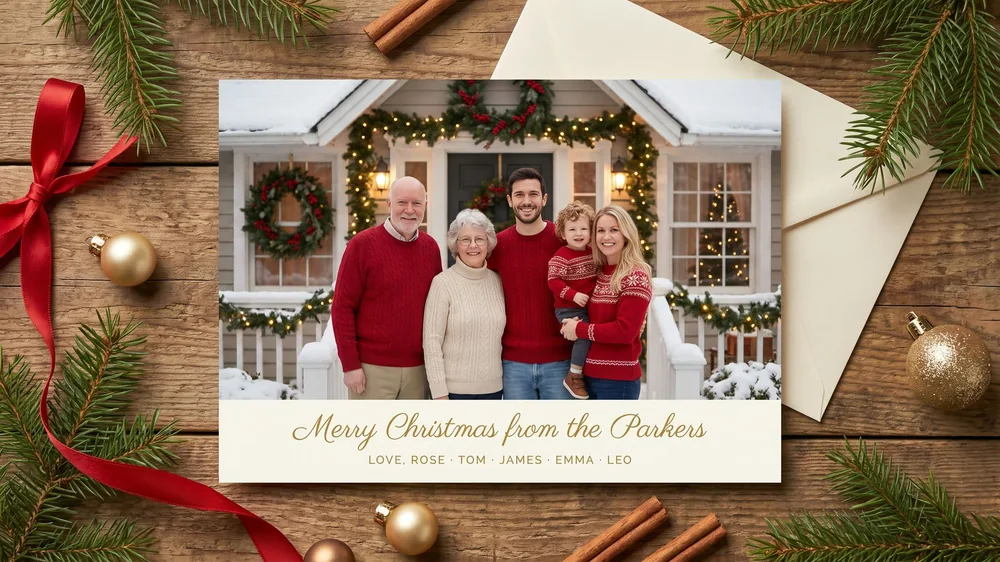
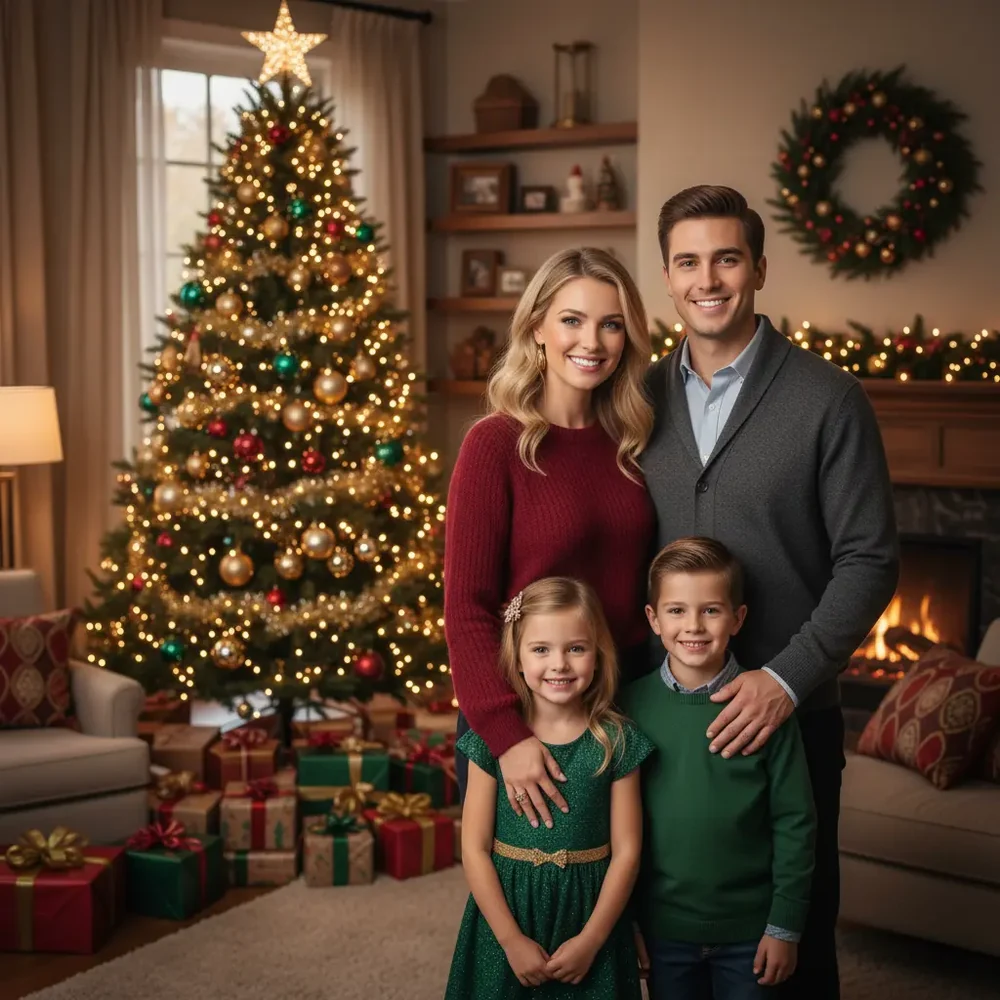
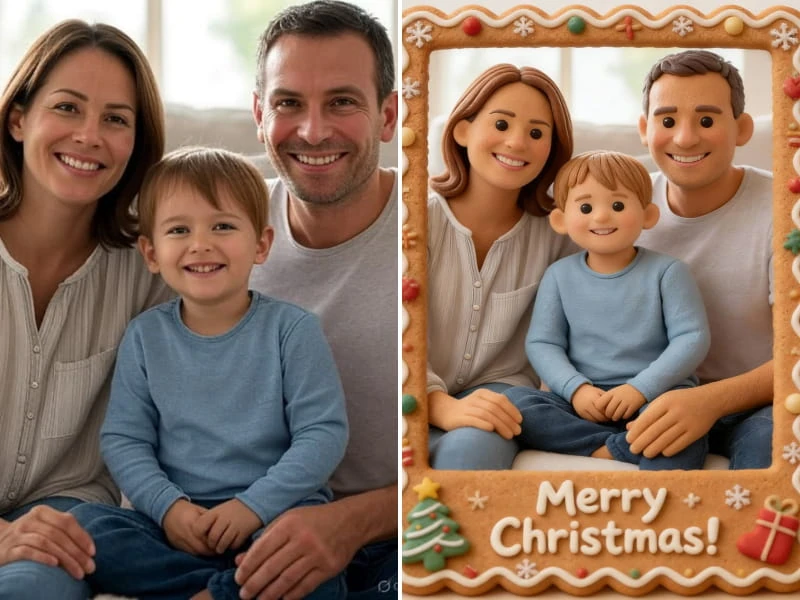
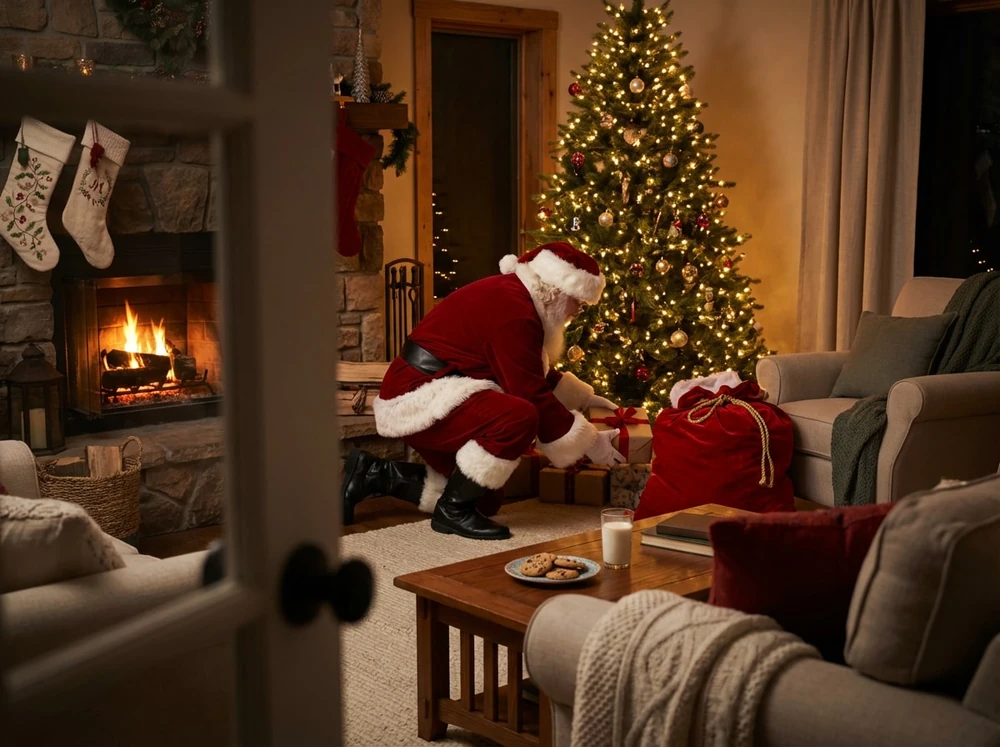
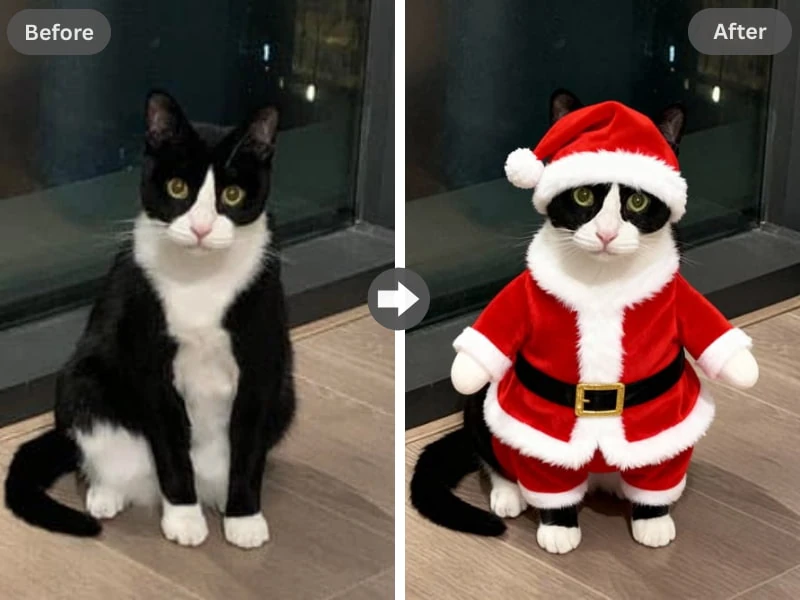
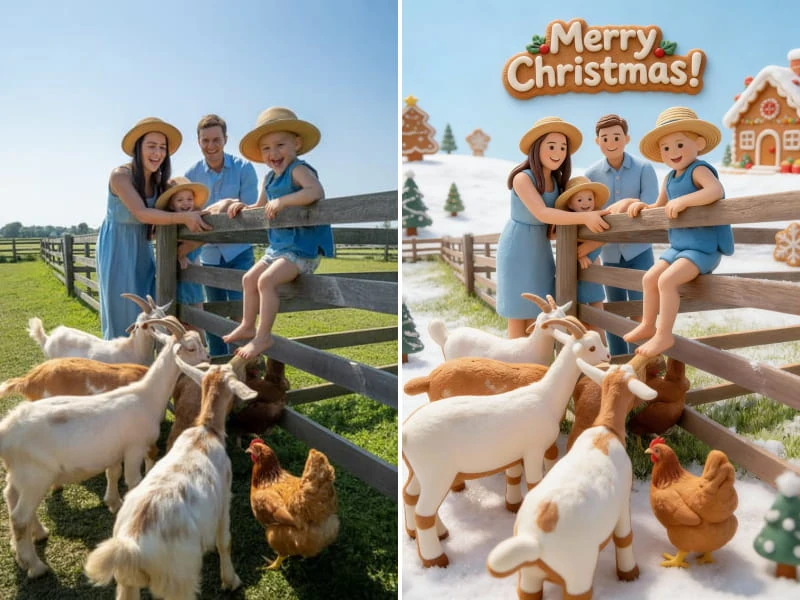
Browse examples for photos, family pictures, Santa, filters, cards, and video, then try it with your own picture.
Pick a scene
Scenes to start your AI Christmas photo
The photo tool gives you at least five scenes, and you can also describe your own. Pick the scene first, since it helps you decide which picture to upload.
An AI Christmas photo can only work with what your picture shows. A clear phone shot from last summer gives the generator more to work with than a dim snapshot taken last night.
Read more
You don't need a Christmas background or a good camera. A birthday photo, a beach selfie, or a shot from the school play can all become AI Christmas pictures. Run through this check before you upload:
Every face shows, and nobody is cut off at the edge.
Faces are big enough to see, so stand closer instead of zooming in.
The light is good: daylight or a bright room beats a dark restaurant.
A booked session gets you a real photographer, and for a framed portrait it's still worth the money. It also means matching outfits, one fixed afternoon, and everyone in the same place. An AI Christmas photo skips all three, which suits a card, a phone wallpaper, or the group chat.
Read more
Other routes fit other jobs. Here is what each option gets you, and where this tool fits. If you only need pictures for one card, a single small pack is enough:
Subscription apps: many bill monthly, so you can end up paying in February for a December picture. Here you buy credits once.
Stock sites: plenty of AI Christmas images to download, but they show strangers, not your family.
General image tools: they can make Christmas AI images from a description, but you write all the wording and your own people aren't the starting point.
Phone filters: quick for a story, but the look stays inside the app. A photo made here downloads as a 2K file with no watermark.
What happens to your photos and results
Uploaded photos are deleted from storage within 2 days. Some AI photo tools state a week, and some give no number at all. Finished results stay in your account until you ask us to delete them, so last year's AI Christmas photos are still there when you want them.
Read more
Results are built to keep the people in your photo, but details can change, such as a smile, a hairline, or a hand. Zoom in on every face in your AI Christmas photo before you print or post it. Paid results can be used commercially, as long as you have the rights to the photo and to the people in it.
What an AI Christmas photo costs
15 credits
$9.98
15 photos, or 1 video + 5 photos
50 credits
$24.99
50 photos, or 5 videosSave 25%
150 credits
$59.99
150 photos, or 15 videosSave 40%
Credit cost: 1 for each picture (photo, family photo, filter, card, or Santa) and 10 for each video, which includes the Christmas photo it starts from.Credits never expire, so whatever you don't use waits for next Christmas.Packs are one-time purchases with no subscription: $9.98 for 15 credits, $24.99 for 50, or $59.99 for 150.If a generation fails, its credits go back to your balance automatically.
Changed your mind? Ask within 7 days if you've used less than 5% of a pack; a 5% fee applies. See the refund policy.
AI Christmas Photos at aichristmasphotos.net is a web tool that turns a picture you upload into an AI Christmas photo in 2K with no watermark. The same site makes family pictures, Santa shots, filter looks, printable cards, and short videos. You use it in a browser, so there is no app to install.
Who runs AI Christmas Photos, and how do I contact you?
AI Christmas Photos is an independent product, not affiliated with any AI model developer. Sites with similar names are not connected to us. You can reach the team at support@aichristmasphotos.net. Write to that address with questions about credits, uploads, refunds, or an AI Christmas photo that came out wrong, and include the email you used on the site.
Do I have to pay to make AI Christmas pictures?
Yes, every AI Christmas photo is paid for with credits, and there is no trial. Packs cost $9.98 for 15 credits, $24.99 for 50 credits, or $59.99 for 150 credits. Each picture uses 1 of your credits and each video uses 10. You pay once per pack, and nothing renews.
Who is AI Christmas Photos for?
The Christmas photo maker on this site is for people who want a holiday picture made from their own photos: families, couples, pet owners, and anyone mailing cards. An AI Christmas photo is not a fit if you need a framed portrait where every detail must match real life. For that, book a photographer.
Do my credits expire?
Credits never expire, so a pack you buy this December still works next December. Nothing renews and your balance doesn't run out over time, which means you can buy a small pack, make one AI Christmas photo today, and come back for the card or the video whenever you get around to it.
Will it look like me?
AI Christmas Photos is built to keep faces recognizable, but it isn't an exact copy. Small details such as a smile, a hairline or a hand can change. A clear, well-lit photo gives the best result. If a result is clearly broken, tell us within 7 days and we return the credits.
Can I get a refund?
You can request a refund within 7 days of buying if you've used less than 5% of a pack's credits. You get the unused share back, minus a 5% processing fee, and a pack you've made a video with doesn't qualify. A result that is clearly broken gets its credits back if you tell us within 7 days, and a failed generation returns its credits on its own. An AI Christmas photo that looks similar but not exactly like you doesn't count as broken. The refund policy page has the details.
What can't the AI Christmas photo generator do?
The AI Christmas photo generator can't promise a perfect likeness, because details in a result can change from your original. Files over 10 MB won't upload, and descriptions you write yourself pass through content moderation. The video tool makes 5 or 10 second clips and doesn't make a talking Santa.
Your AI Christmas photo starts with a picture you already have
Pick the photo where everyone looks like themselves, then choose a scene. Your AI Christmas photo comes back in 2K with no watermark, and leftover credits wait for next year.
 AI Christmas Photos