
Together in one picture

AI Family Christmas Photo, Even When You're Miles Apart

Make an AI family Christmas photo from one group shot, or from 2 to 6 separate photos with up to 5 people and 1 pet. Anyone who can't be there just sends a picture of themselves.

Examples
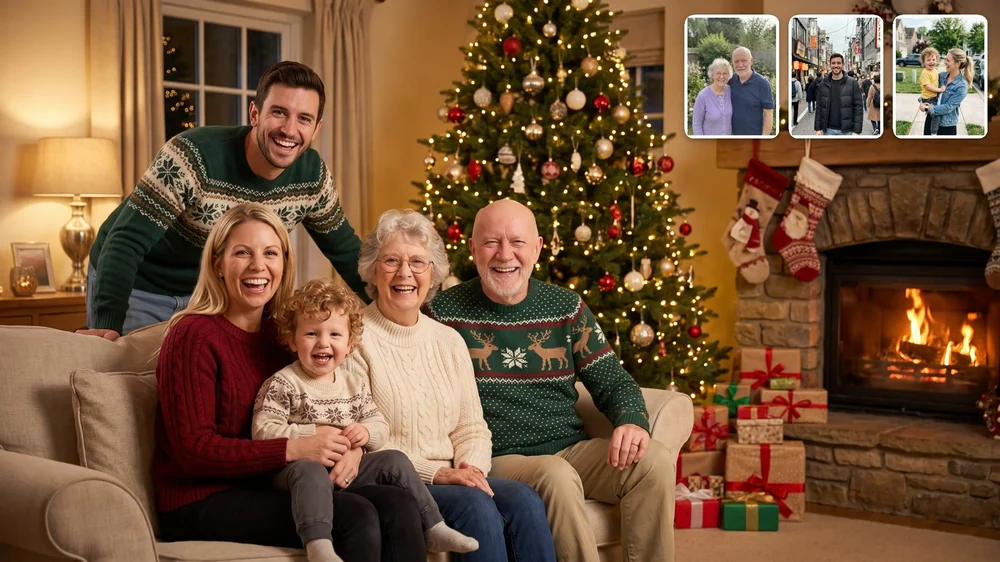
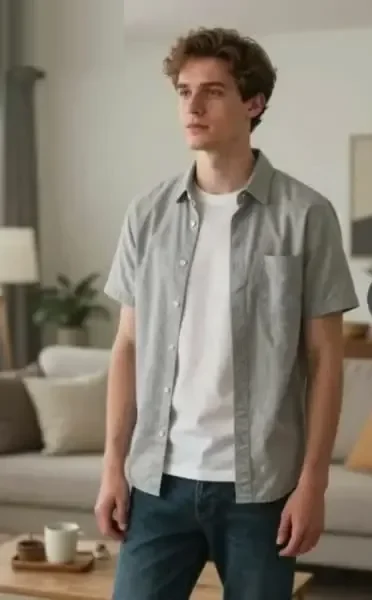
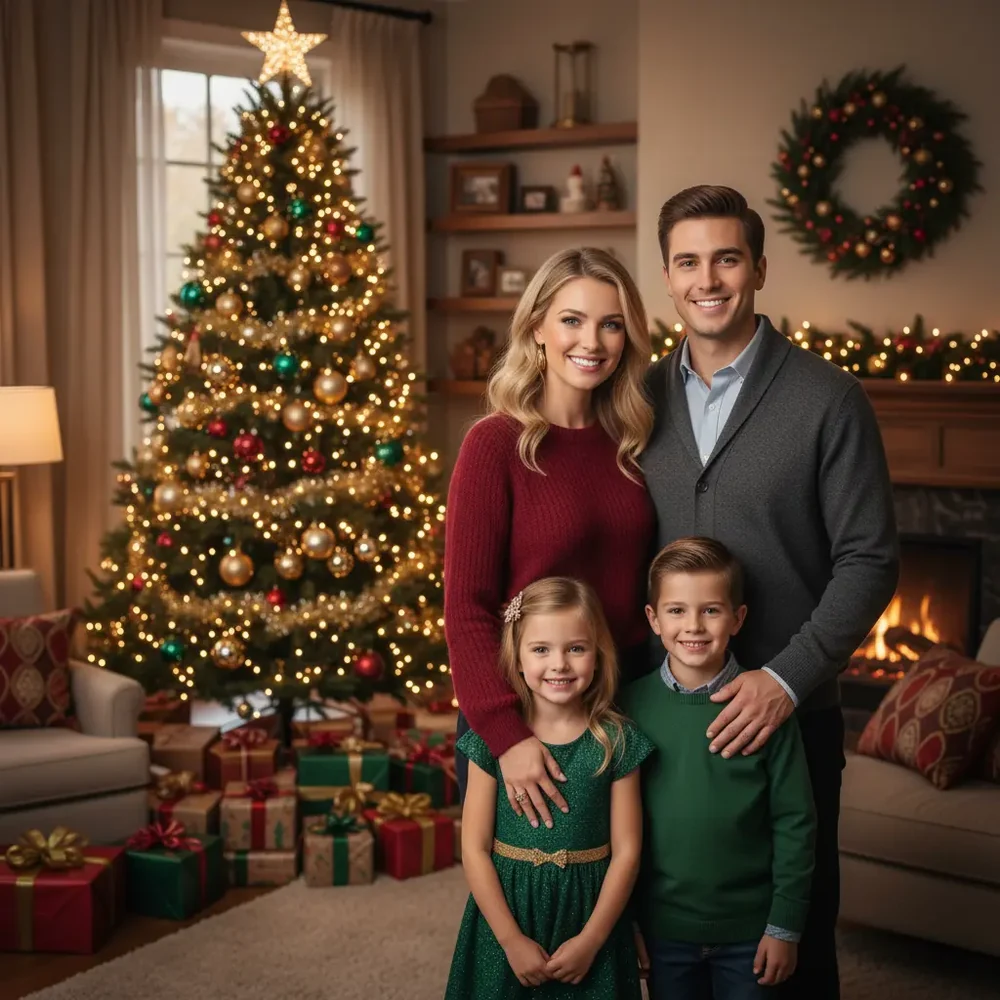
Separate photos of relatives, shown small in the corner, combined into one family Christmas photo

Separate photos of relatives, combined into one family Christmas photo.

Add your family photos

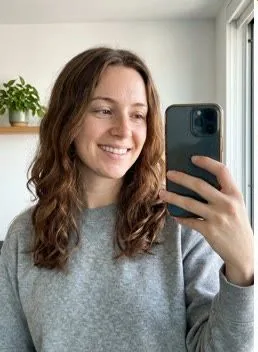
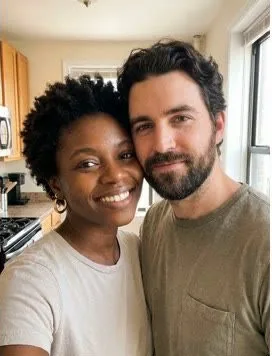
Add one group shot or 2 to 6 separate photos, up to 10 MB each, with every face clear. A pet can take its own slot.

  • ✓ Clear face
  • ✓ Good light
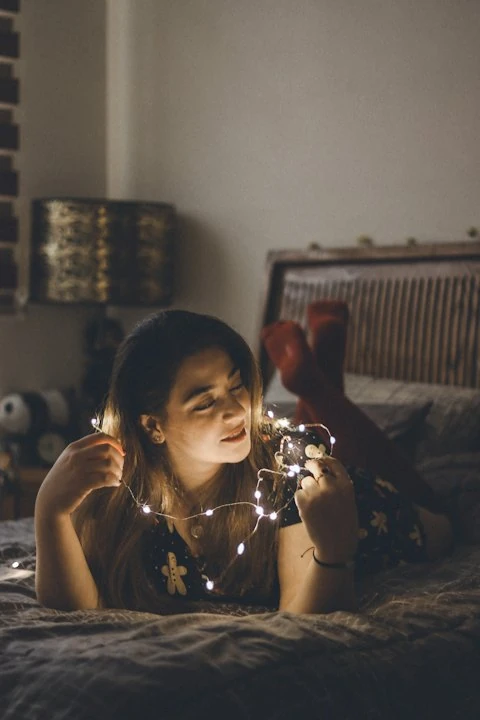
  • ✗ Too dark
  • ✗ Too far away
Scene
More options
Shape
How many

From $9.98 · No subscription · Credits never expire · Photos deleted within 2 days

1 credit (about $0.40–$0.67)

What you can upload

What goes into an AI family Christmas photo

Pick a scene

Scenes for your AI family Christmas photo

You get at least five scenes and can describe your own. Match the scene to your group: a few close faces suit a cozy room, and a bigger family suits a wide porch or a long table.

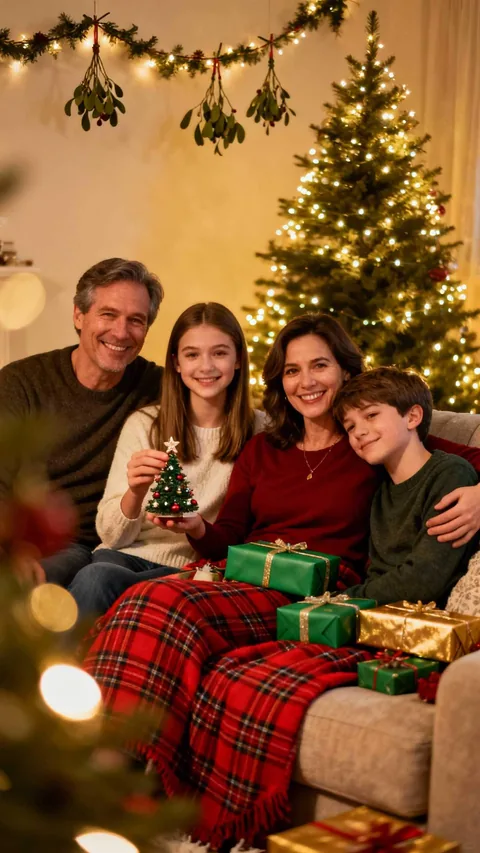
  1. A family on the sofa by the Christmas tree
    Classic · By the treeFamilies who want the traditional picture for the fridge and the card list.
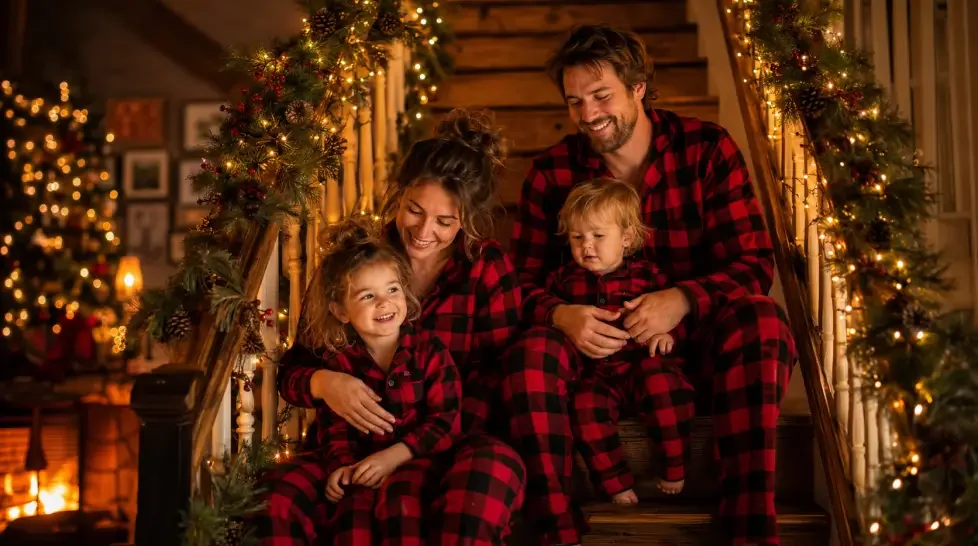
  2. A family in matching plaid Christmas pajamas on the stairs
    Playful · Matching pajamasParents who could never get the whole family into matching pajamas in real life.
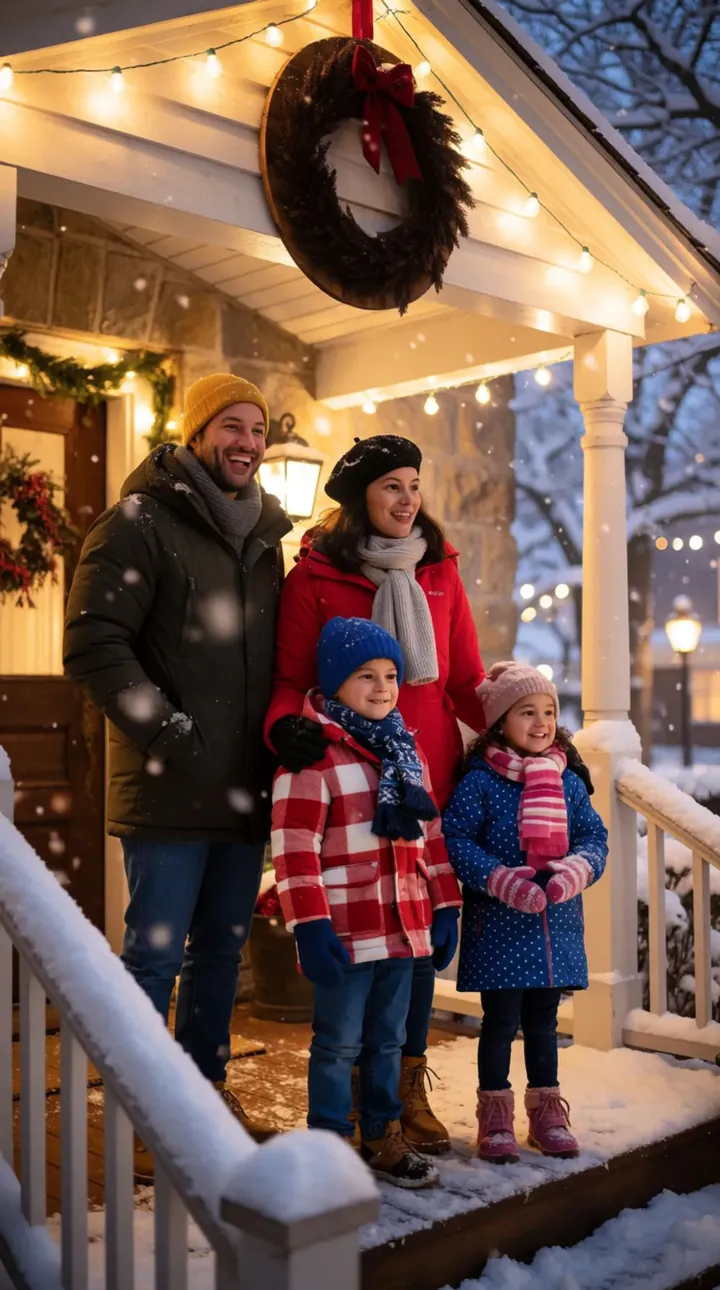
  3. A family in winter coats on a snowy front porch
    Winter · Snowy porchFamilies who live somewhere that never sees snow at all.
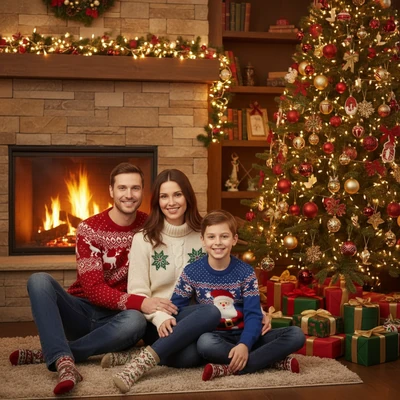
  4. A family of three by the Christmas tree and fireplace
    Cozy · Fireplace morningFamilies with small kids who never sit still for a real photo.
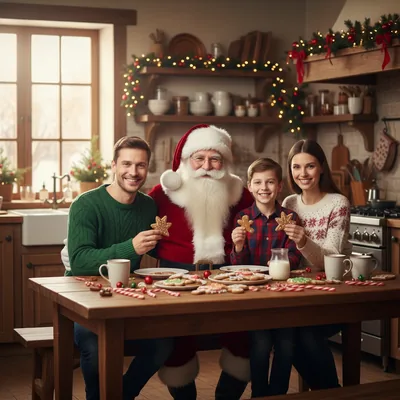
  5. A family and Santa around a kitchen table with Christmas treats
    For the whole table · Christmas dinnerBig families who want everyone around the table in one AI family Christmas photo.

How to make an AI family Christmas photo

  1. Add your photos

    Upload one group shot, or 2 to 6 separate photos, for your AI family Christmas photo. Drag them in, or scan the code to send them from a phone.

  2. Choose a scene

    Pick a scene such as Fireplace morning, or describe your own. Ask for one to four versions of your AI family Christmas photo at once.

  3. Check every face

    Zoom in on each person in your AI family Christmas photo, then download the 2K file with no watermark.

Need help describing a scene? Try an AI Christmas photo prompt

One group shot or separate photos?

Use one group shot if you already have a picture with everyone in it. The people are already together, so there's less to piece together for your AI family Christmas photo. A clear phone photo from any time of year will do.

Read more

Use separate photos when your family is spread out or no good group shot exists. Upload 2 to 6 pictures, one for each person and one for the pet, with up to 5 people and 1 pet in total. Nobody has to fly in for an AI family Christmas photo, and nobody has to clear a weekend. Here's a quick way to decide:

  • Everyone is in one picture already: use the group shot.
  • Someone is missing from that picture: switch to separate photos, one per person.
  • The dog won't sit for a group shot: use separate photos and give the dog its own.
  • You have more than 5 people in separate photos: make one picture per household.
Just one person? Try the AI Christmas photo generator

Choosing the right photos

An AI family Christmas photo depends on what your uploads show. Small or blurry faces give it much less to go on, and that problem grows with every person you add.

Read more

For separate photos, look for pictures that match: similar light, similar distance from the camera, everyone facing forward. Your AI family Christmas photo will hold together better if nobody came from a dark kitchen while everyone else came from a sunny beach. Run through this list first:

  • Nobody is in sunglasses or half hidden behind a shoulder.
  • Head and shoulders are clearly visible in each separate photo.
  • The light is similar across all the pictures.
  • The originals have no beauty filter, so grandma still looks like grandma.
  • Each file is 10 MB or less.

Is an AI family Christmas photo right for you?

Some parents love a holiday card that took no wrangling. Others find AI family pictures fake, especially the ones where everyone looks polished and nobody looks like themselves. Both reactions are fair. We'd treat an AI family Christmas photo as a fun card or a fridge picture, and keep your real photos as the record of your year.

Read more

A booked session still wins if grandma wants a framed portrait. Cutting people out by hand in a photo editor can work too, if someone in the family enjoys spending an evening on shadows. An AI family Christmas photo makes sense when people are apart, time is short, or all you need is a card.

Turn it into an AI Christmas card

What an AI family Christmas photo costs

15 credits

$9.98

15 photos, or 1 video + 5 photos

150 credits

$59.99

150 photos, or 15 videosSave 40%

Each finished picture uses 1 of your credits, whether you upload one group shot or six separate photos. A video uses 10 of your credits, including the picture it starts from.Unused credits don't expire, so the leftovers can go toward next year's card.Credits come in one-time packs, starting at $9.98 for 15 credits, and there is no subscription to cancel later.A failed generation returns its credits to your balance automatically.

Changed your mind? Ask within 7 days if you've used less than 5% of a pack; a 5% fee applies. See the refund policy.

Made for

Who an AI family Christmas photo suits

  • Families in different cities

    Nobody has to travel. Everyone sends one picture, and the AI family Christmas photo puts them in one scene.

  • Parents of small kids

    Skip the bribes and the blurry retakes. A decent shot from any time of year gets you a picture for the card.

  • For the grandparents

    Give them the AI family Christmas photo you wish you'd got at the last reunion, with everyone in it.

  • Pet people

    The dog is family too. One pet can join up to 5 people in the same AI family Christmas photo.

  • Group chat regulars

    Turn your AI family Christmas photo into a 5 or 10 second video and send it around on Christmas morning.

Planning your AI family Christmas photo

  1. Early December

    Text the family and collect one clear photo from anyone who can't be there in person. That leaves time to redo your AI family Christmas photo if a face looks off.

  2. Mid-December

    Make your AI family Christmas photo, compare scenes, and send the favorite around for a quick yes.

  3. The week before

    Use your AI family Christmas photo on a card and get it printed while there's still time to mail it.

  4. Christmas morning

    Send a video version to the relatives who will be watching Christmas morning on a screen this year.

Make an AI Christmas video from it

AI family Christmas photo questions

Can I combine separate photos of my family into one Christmas picture?

Yes, an AI family Christmas photo can be built from 2 to 6 separate photos, one per person or pet. Everyone ends up in the same scene, even if the originals came from different cities or different years. Pick pictures with similar light so the result holds together.

How do I include a relative who can't be there this year?

A relative who can't be there only needs to send one clear photo of themselves. Add it with the others, and the AI family Christmas photo puts them in the scene with everyone else. A phone selfie works if the face is clear. Ask them before you share the result.

How many people and pets fit in one picture?

Separate uploads cover up to 5 people and 1 pet in one AI family Christmas photo. A bigger family won't fit in a single picture that way, so make one for each household instead. Two dogs is also over the limit, so pick one or make a second picture.

Will everyone still look like themselves?

Results are built to keep each person in your photos, but details can change, and more faces means more to check. Zoom in on each person in your AI family Christmas photo before you print cards. If someone looks off, try another scene or a clearer picture of that person.

What happens to photos of my kids after I upload them?

Uploaded family photos, kids included, are deleted from storage within 2 days. Your finished pictures remain in your account until you request deletion through support@aichristmasphotos.net. Before you make an AI family Christmas photo, check with the other adults in the picture, and only upload photos you have the right to use.

Do separate photos cost more than one group shot?

Separate photos cost the same as a group shot, because credits are charged per finished picture and not per upload. Each AI family Christmas photo uses 1 of your credits, so asking for four versions costs four times that. Packs start at $9.98 for 15 credits.

Do I need an app to make one?

No app is needed, because you use the AI family Christmas photo maker in a browser on a phone or a computer. On a computer, scan the code to send pictures from your phone's camera roll. Finished pictures stay in your account, so you can download them again later.

Your AI family Christmas photo starts with one text to the group

Ask everyone for a clear photo, or use the group shot you already have. Then pick a scene for your AI family Christmas photo and check every face before the cards go out. One group shot or a few separate photos is enough for an AI family Christmas photo.

Make your AI family Christmas photo