


AI Christmas card

AI Christmas Card Generator: Your Photo, Your Words, Ready to Print

This AI Christmas card generator turns one photo and your own greeting into a 2K printable card with no watermark. Pick a style and a shape, then download it to print and mail yourself, or send it by text.

Examples
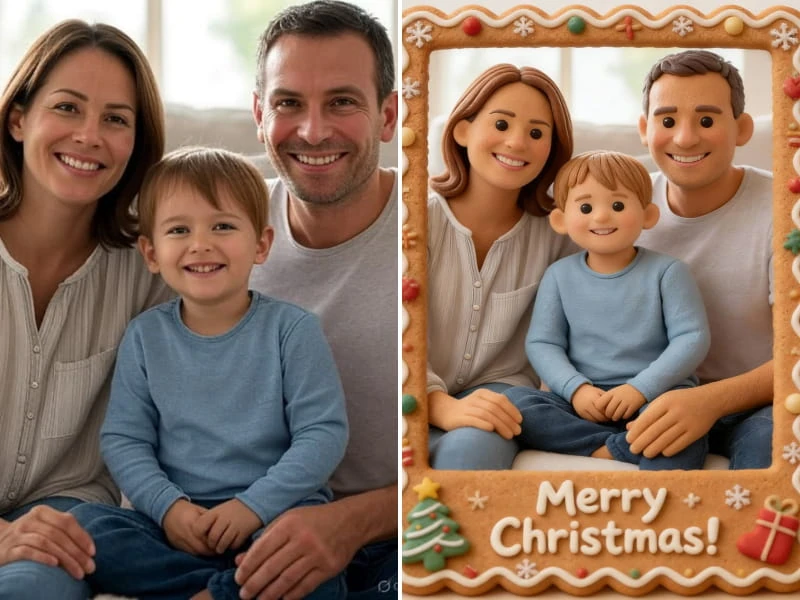
Before and after: a family photo turned into a framed Christmas card
Photo for your card

A family photo turned into a framed Christmas card.

Use one clear photo with everyone who belongs on the card, up to 10 MB; drag it here or scan the code to send it from your phone.

  • ✓ Clear face
  • ✓ Good light
  • ✗ Too dark
  • ✗ Too far away
Style
More options
Shape

From $9.98 · No subscription · Credits never expire · Photos deleted within 2 days

1 credit (about $0.40–$0.67)

What you get

What Comes With Each AI Christmas Card

  • 2KPrintable fileEach AI Christmas card downloads as a 2K file with no watermark, so you can print it or send it as a picture.
  • 4 shapes1:1, 4:5, 3:4 or 2:3Pick the shape before you generate, so the AI Christmas card fits the paper you plan to use.
  • Your wordsA greeting boxType the greeting yourself instead of picking a line from a list. Keep it short, and read it through before printing.

Pick a style

Five Card Styles, and Room for Your Own Idea

Each style sets a different tone. You can also describe a style of your own.

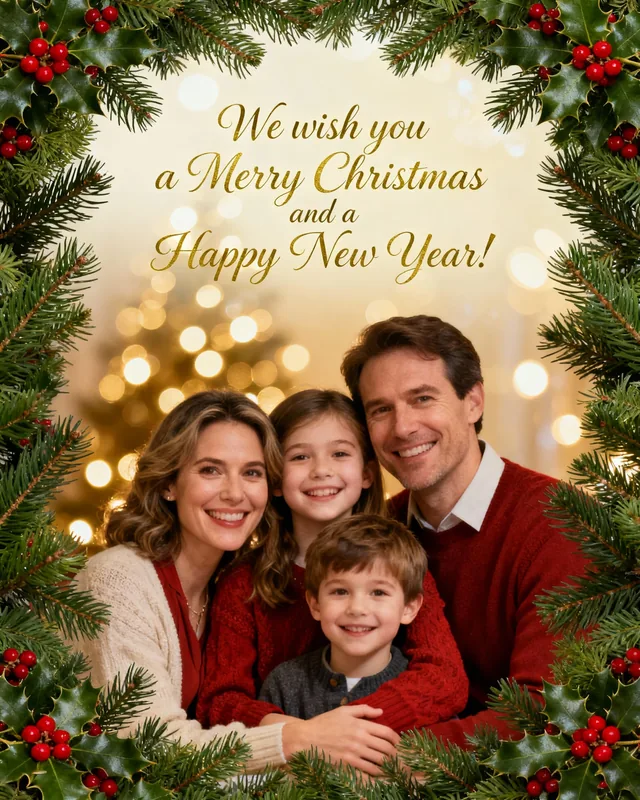
  1. A family Christmas card with a holly wreath border
    Traditional · Classic wreathGrandparents and relatives who keep every card on the mantel.
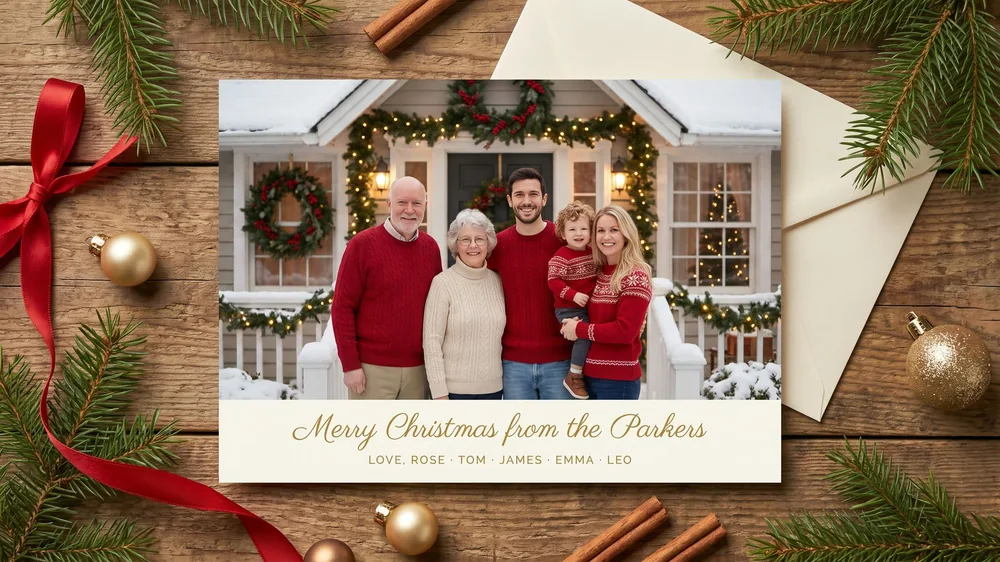
  2. A printed family Christmas card on a wooden table
    Dressy · Gold and pineCouples and small businesses that want a formal card for the mail.
  3. Before and after: a family photo turned into a framed Christmas card
    Playful · GingerbreadFamilies with young kids, or anyone who doesn't take the photo too seriously.
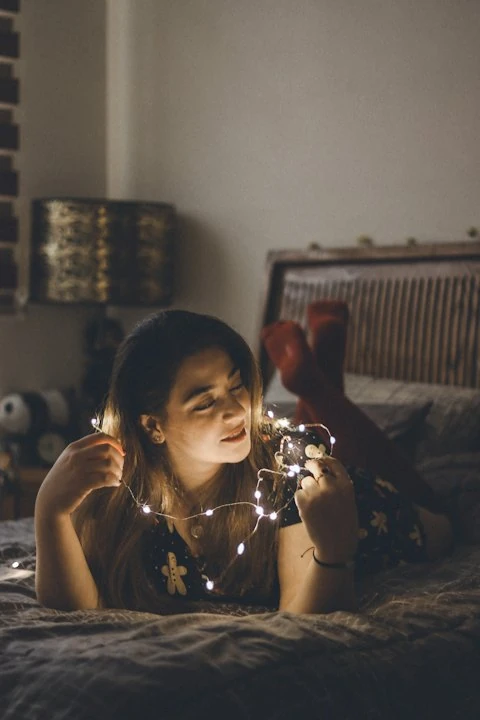
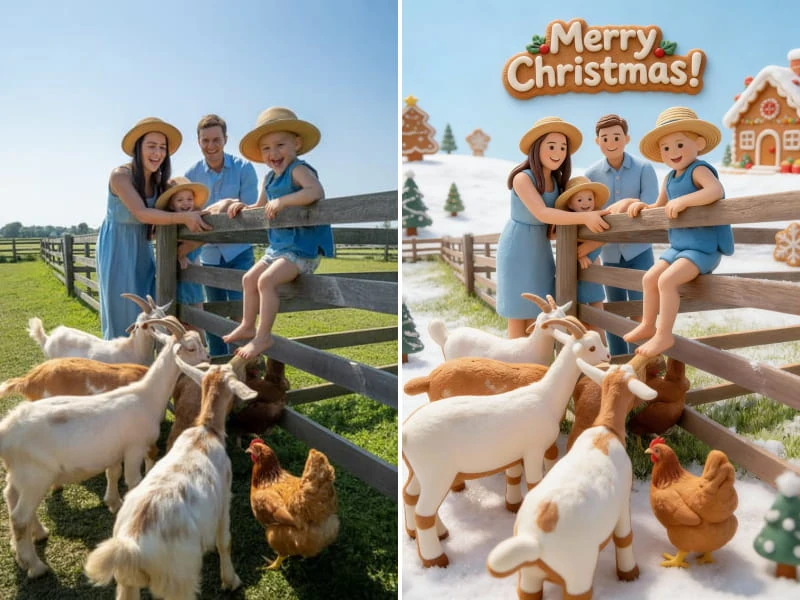
  4. Before and after: a farm photo turned into a snowy Christmas card
    Outdoors · Snowy villagePhotos taken outside that would look good in a snowy scene.
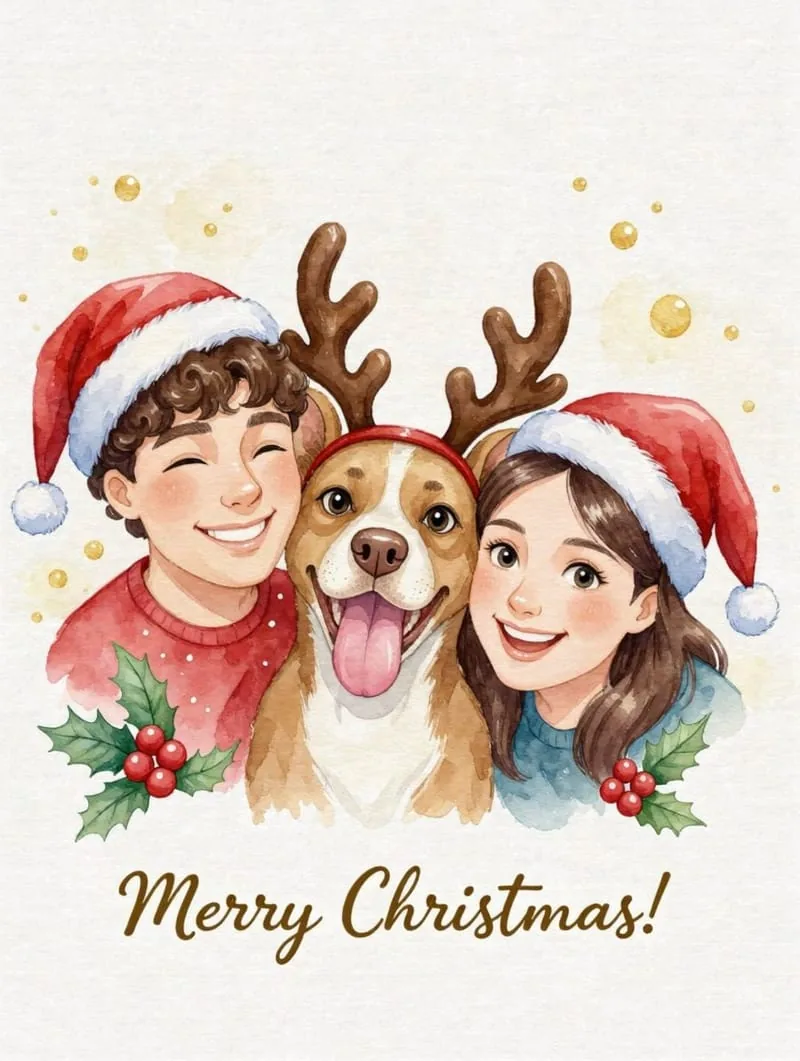
  5. A simple Christmas card with two children and a dog drawn on a white background
    Clean · Modern minimalPeople who want an AI Christmas card with plenty of white space and one simple idea.

How to Make an AI Christmas Card in 3 Steps

  1. Upload your photo

    Add one picture with everyone who belongs on the card, up to 10 MB, by dragging it in or scanning the code on your phone.

  2. Write the greeting

    Type your message, choose a style such as Classic wreath and pick 1:1, 4:5, 3:4 or 2:3.

  3. Check and download

    Read every word of your AI Christmas card, then save the 2K file with no watermark for printing, texting or email.

Start with an AI family Christmas photo

Pick the right shape before you print

Shape is the detail most people forget until the print shop asks. An AI Christmas card made in the wrong shape gets trimmed, and the trim usually takes a name or a head with it. So decide how the card will travel before you generate it.

Read more

Leave a margin either way. Keep faces and the greeting away from the edges, because home printers and print shops rarely cut perfectly. A 2K file is made for card-sized prints, so don't expect this AI Christmas card generator to fill a wall poster.

  • 2:3 matches a 4x6 photo card, the usual size for a home or drugstore print.
  • 4:5 matches an 8x10 print or a 4x5 card, and it also fits a social post.
  • 3:4 is the closest shape to a 5x7 card, so expect a small trim at the sides.
  • 1:1 suits square cards and phone messages. Square envelopes often need extra postage, so check first.

AI Christmas card generator vs templates and print shops

A template-based Christmas card generator gives you a fixed layout with an empty frame. That suits people who want to move every element by hand, and it's also why you sometimes open three cards in December with the same design. A print shop adds paper, envelopes and delivery, none of which this site offers.

Read more

An AI Christmas card made here starts from your photo and your words, and the design is built around them. You give up drag-and-drop control, and no printed box shows up in the mail. What you get is a file you can take to any printer.

If you want to make Christmas cards from photos without learning a layout tool, generate the design here, then order prints locally. Compare that with a Christmas card generator that bundles printing if you'd rather have the box delivered.

Will an AI Christmas card feel personal?

Some people worry an AI Christmas card looks lazy, and that complaint is fair when the card could belong to anyone. The photo decides it. Your own faces say more than a stock family on the front of a template.

Read more

Choose a picture with a story: the first Christmas in the new house, the baby's first December, the year everyone finally made it home. Then write a greeting only your family could send. "Mia lost two teeth and found one" says more than "Season's greetings". An AI Christmas card maker handles the design; the words are still yours.

A Christmas card generator can't know which photo matters, so that choice stays with you. An AI Christmas card with the right picture on it will outlast a prettier one with the wrong picture.

Browse ideas for an AI Christmas photo prompt

What an AI Christmas Card Costs

15 credits

$9.98

15 photos, or 1 video + 5 photos

150 credits

$59.99

150 photos, or 15 videosSave 40%

Credit cost: 1 per card, and 10 per Christmas video with its starting photo included.Credits stay in your account with no expiry date.Packs are one-time purchases with no subscription: 15 credits for $9.98, 50 for $24.99 or 150 for $59.99.If a card fails to generate, the credits go back to your balance automatically.

Changed your mind? Ask within 7 days if you've used less than 5% of a pack; a 5% fee applies. See the refund policy.

Who it's for

Who Sends an AI Christmas Card

  • Families with relatives far away

    One group photo from Thanksgiving becomes an AI Christmas card for everyone who couldn't make it.

  • Couples on their first card

    The photo from your first trip, plus a line only the two of you would write, makes an AI Christmas card that says you're a couple.

  • New parents

    The newborn photo you already love becomes the baby's first AI Christmas card, with the name and the date in your greeting.

  • Last-minute senders

    No time to book a photographer in December? A phone photo from this week is enough for an AI Christmas card.

  • Small businesses

    Put your team photo on an AI Christmas card for clients. Paid results can be used commercially if you have the rights to the photo and everyone in it.

When to Start Your AI Christmas Card

  1. Late November

    Pick the photo and collect addresses. An AI Christmas card is the easy part; the address list takes longer.

  2. Early December

    Generate the card, test one print at home, and check the trim and the spelling.

  3. Mid December

    Order prints and mail them. Ask your print shop and post office for their cutoff dates, since those change by country.

  4. Christmas week

    Too late for the mail? Text or email the same AI Christmas card as an image file.

Turn a card into an AI Christmas video

AI Christmas Card Questions

Can AI make a Christmas card from my own photo?

An AI Christmas card generator like this one takes one photo you upload and builds the whole card around it, with your greeting included. The tool is built to keep the people in your photo, but details can change, so check every face before you print.

Will my greeting be spelled correctly?

An AI Christmas card can still misspell a word, even though your greeting goes into its own box, so read every letter before you print or send it. Short greetings are easier to check than long paragraphs. If something is wrong, make another version, which uses more credits.

Can I print the cards at home?

An AI Christmas card downloads as a 2K file, so you can print it at home or take it to a print shop. This site doesn't print or mail anything itself. Choose the shape that matches your paper first, and leave a margin around faces and text.

How many credits do I need for one card?

The credit cost is 1 for each AI Christmas card, and 10 if you turn the card into a Christmas video. Packs are one-time purchases: 15 credits for $9.98, 50 for $24.99 or 150 for $59.99. A card that fails to generate gets its credits back.

How is this different from a template Christmas card generator?

A template Christmas card generator gives you a fixed layout to fill in by hand, while an AI Christmas card here is designed around your photo and your greeting. Templates suit people who want to move every element themselves. Generating suits people who want a design nobody else on their list will send.

Can I use separate photos of each person on one card?

An AI Christmas card here can't combine separate photos on its own, so they have to become one picture first. Upload 2 to 6 separate photos on the family page, download the group picture, and use that as your card photo. That route uses credits for both steps.

Can I make an animated Christmas card?

An AI Christmas card can become a 5 or 10 second video with sound on or off. Take the finished card to the video page as your starting picture and Santa walks into it. The clip has no talking Santa or recorded message, and text on the card can shift once it moves, so read it again before you send.

Send a Card With Your Own Faces on It

Pick the photo, write the line only your family would write and let the AI Christmas card generator build the rest. Then print it, or text it to everyone tonight.

Make My AI Christmas Card